Measure with the circuit in mind
Fluke Multimeter selection guidance for electrical work
Compare digital multimeters by function, CAT rating, input protection, accuracy, resolution, and accessory fit before a model reaches the job cart.

Engineering resources
Turn a test task into a model shortlist
Application worksheet
Record AC or DC, maximum expected voltage and current, source impedance, conductor access, and the environment around the measurement point.
Define the task →Safety-category review
Distinguish electronics, branch circuits, distribution panels, and service entrances rather than choosing from printed voltage alone.
Review the category →Accessory planning
Check lead rating, probe geometry, clamp range, temperature interface, case fit, and replacement fuse specification for the exact instrument.
Check compatibility →Field applications
Measurement contexts shape the specification

Industrial Maintenance
Diagnose motors, controls, and variable frequency drives with attention to waveform and transient exposure.

Building Commissioning
Verify branch circuits, controls, and equipment supply conditions against drawings and procedures.

HVAC Service
Assess capacitors, temperature, controls, and current while respecting equipment-specific methods.
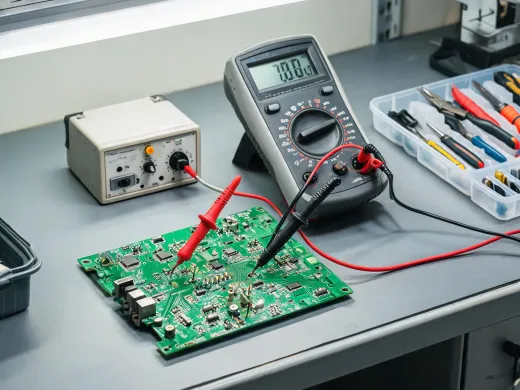
Electronics Bench
Prioritize resolution, input impedance, low-energy circuit behavior, and precise probe access.
Have a test procedure?
Send the function, range, tolerance, test point, safety category, and accessory requirements for a focused model-family review.